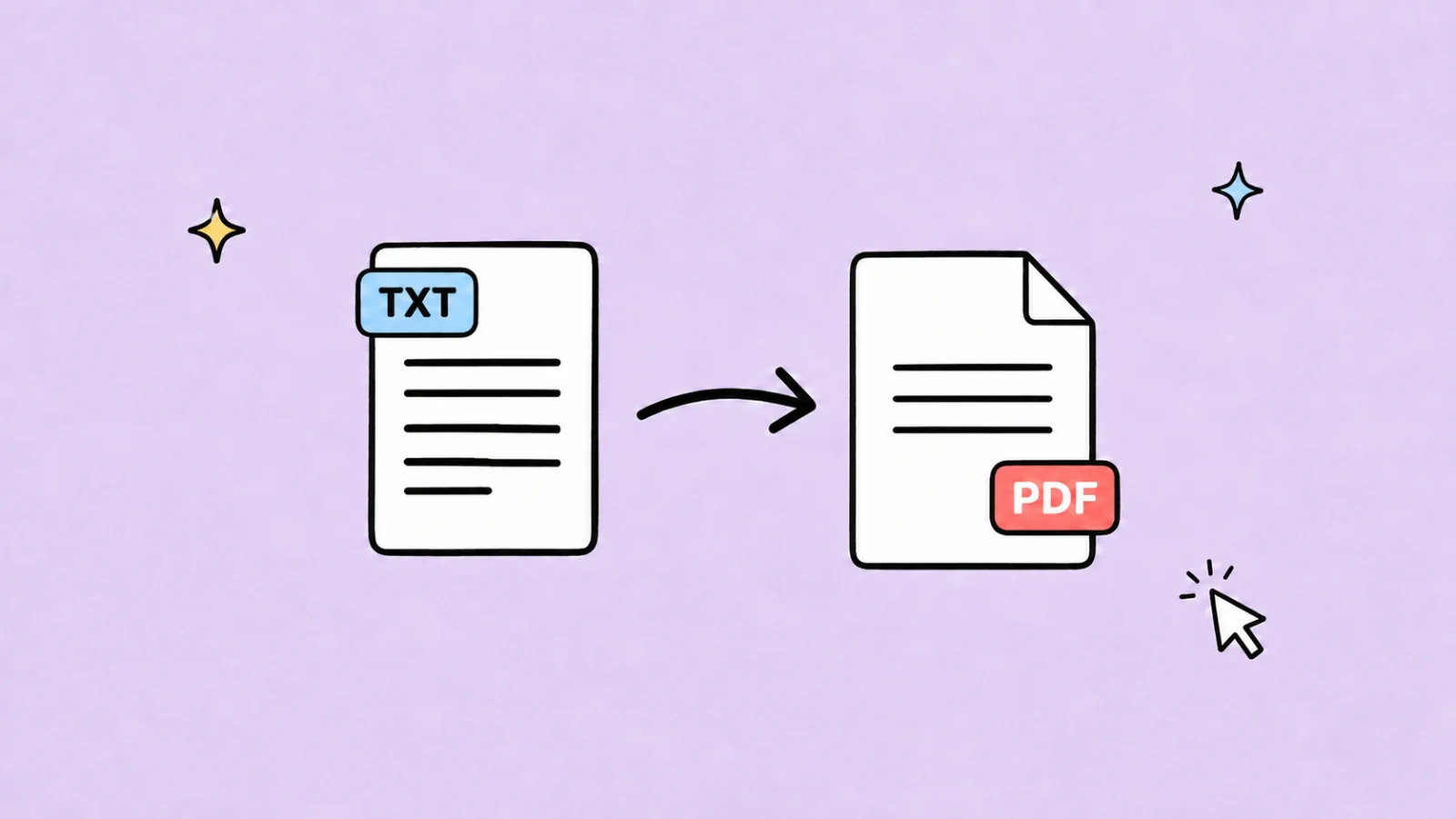
How to Convert Text to PDF Online
Learn how to convert text to PDF online using a text-to-PDF maker, Word or Google Docs, browser printing, or a Markdown workflow.
Text to PDF PDF Converter Document Formatting
· 9 min read
Practical guides for translating, creating, and improving presentations with AI, plus useful tools and workflow tips to help you work and study more efficiently.
Learn how to convert text to PDF online using a text-to-PDF maker, Word or Google Docs, browser printing, or a Markdown workflow.
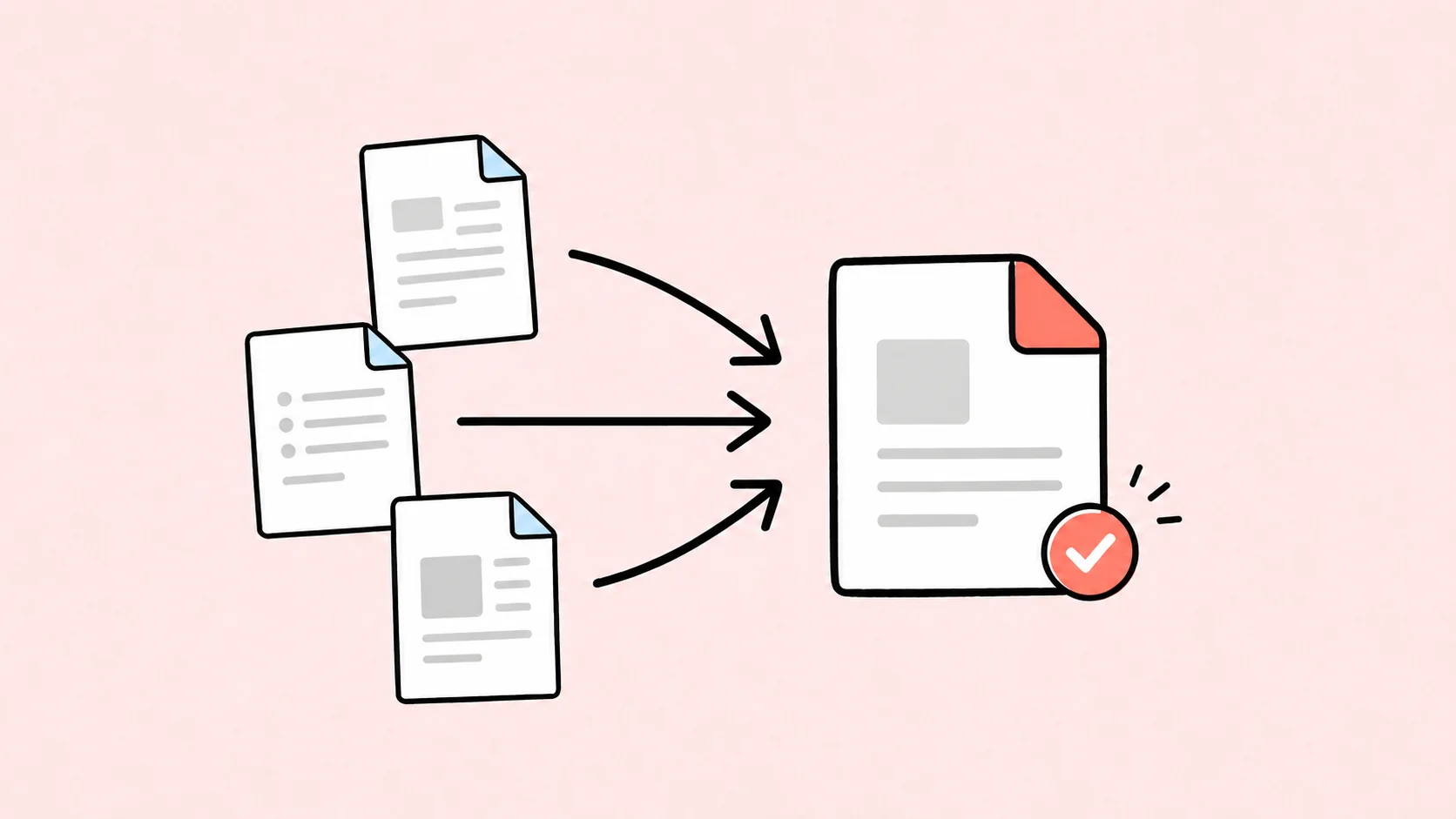
Learn how to combine multiple Word documents into one PDF in the correct order while preserving page breaks, headers, footers, styles, and bookmarks.
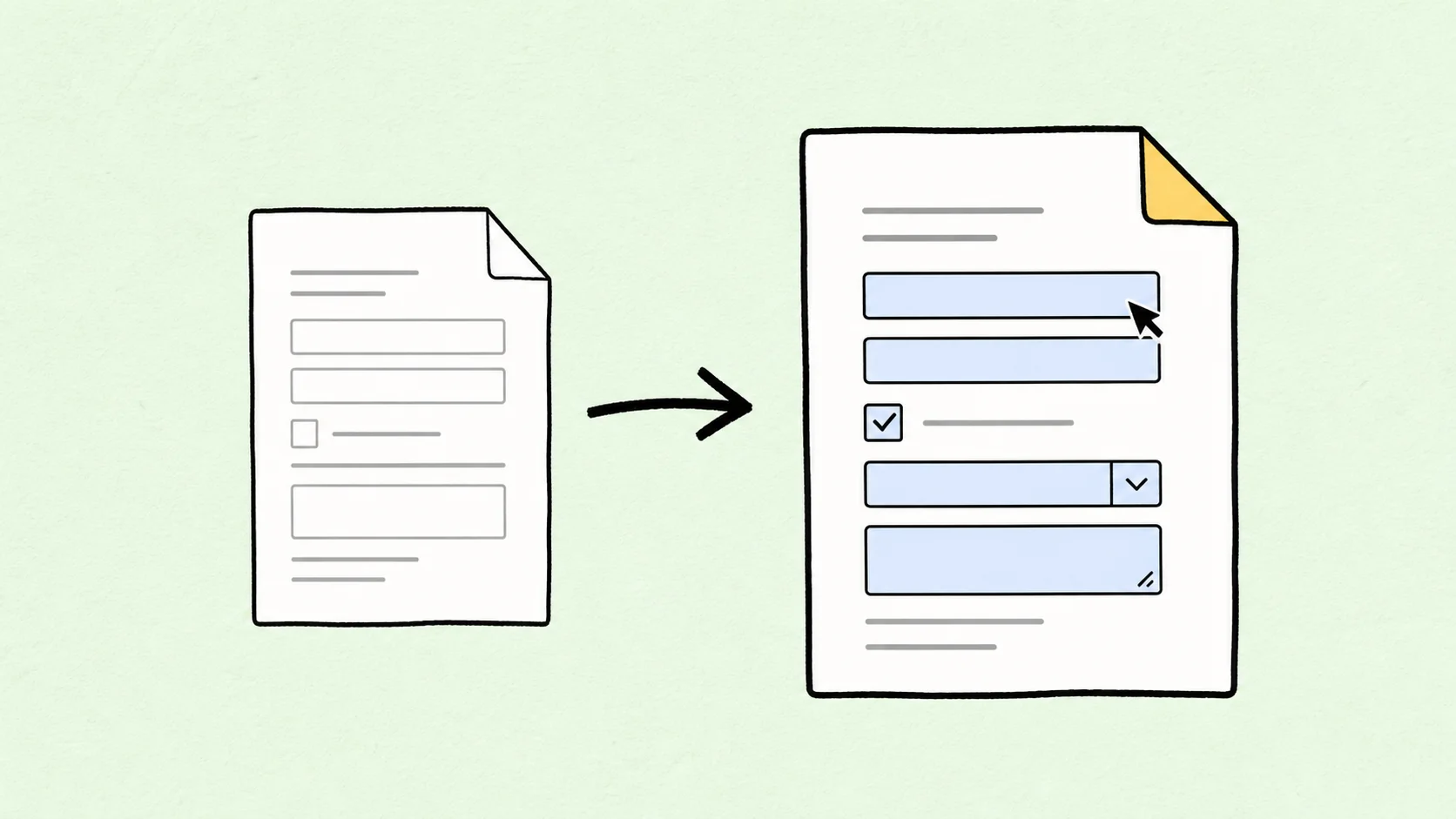
Learn how to turn a Word document into a fillable PDF with text fields, checkboxes, dropdowns, signatures, validation, and a usable tab order.
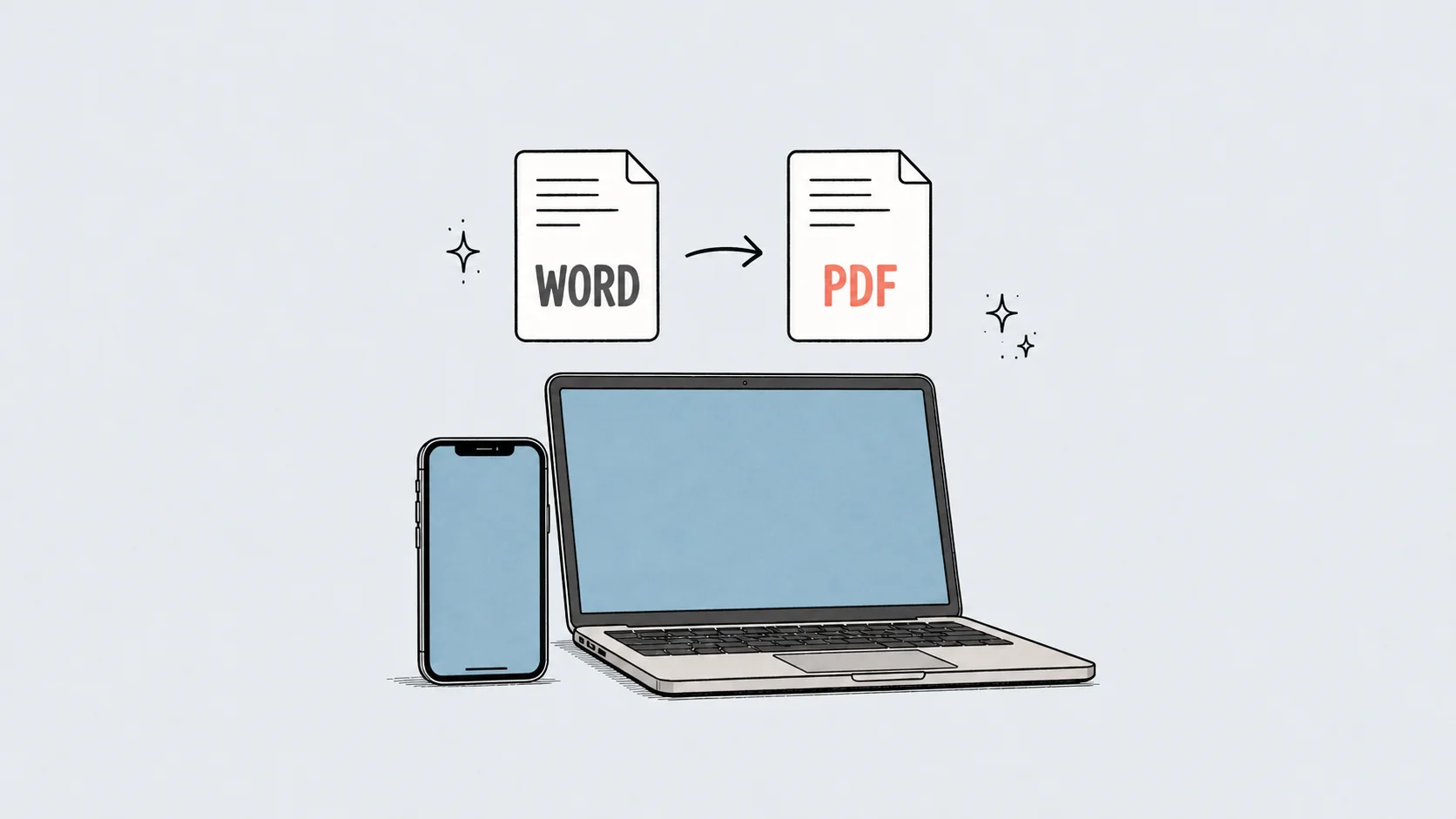
Learn how to convert Word to PDF on iPhone and Mac using Microsoft Word, built-in sharing and printing options, or a browser-based converter.
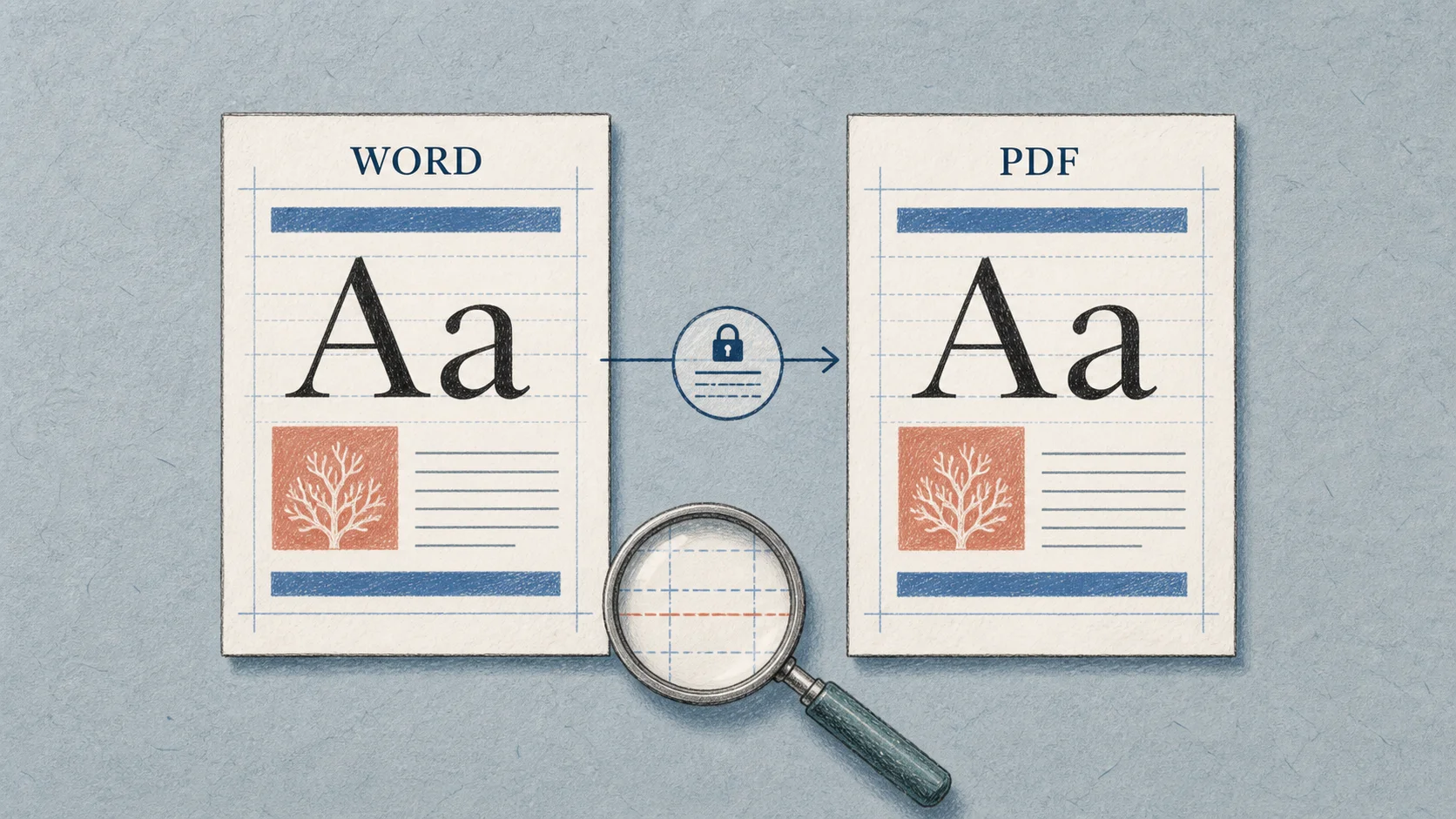
Learn how to preserve fonts and formatting when converting Word to PDF, prevent layout changes, and fix substituted fonts, shifted pages, tables, and images.
Learn how to save a Word document as a PDF on Windows, Mac, Word Online, DeckFlow, or OpenOffice, plus fixes for common export problems.

Learn what OCR means, how optical character recognition works, what it can extract, and how to choose an OCR tool for scans, photos, and screenshots.
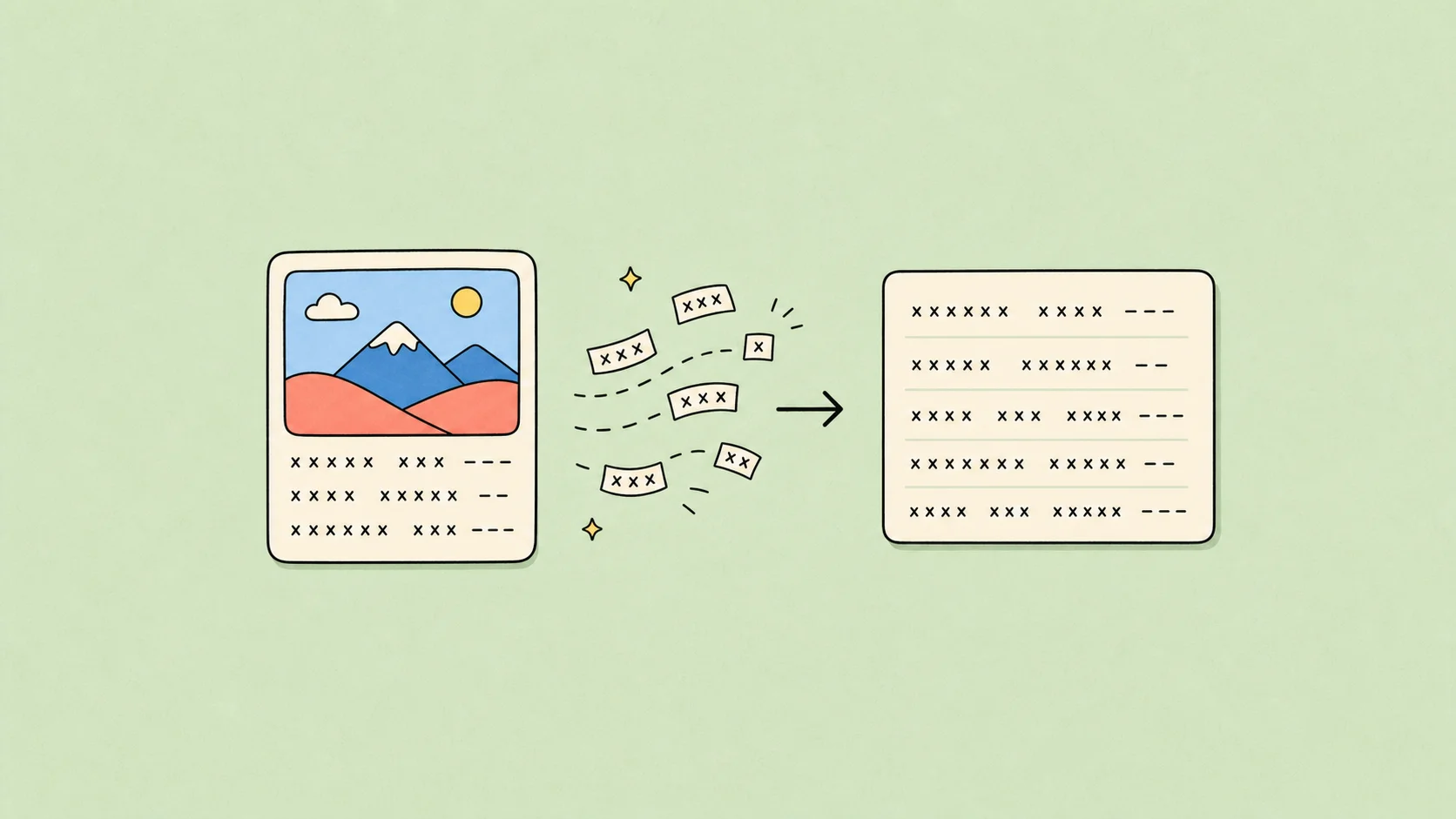
Learn how a picture-to-text app uses OCR to turn photos, screenshots, notes, cards, and document images into editable text you can review, save, and reuse.
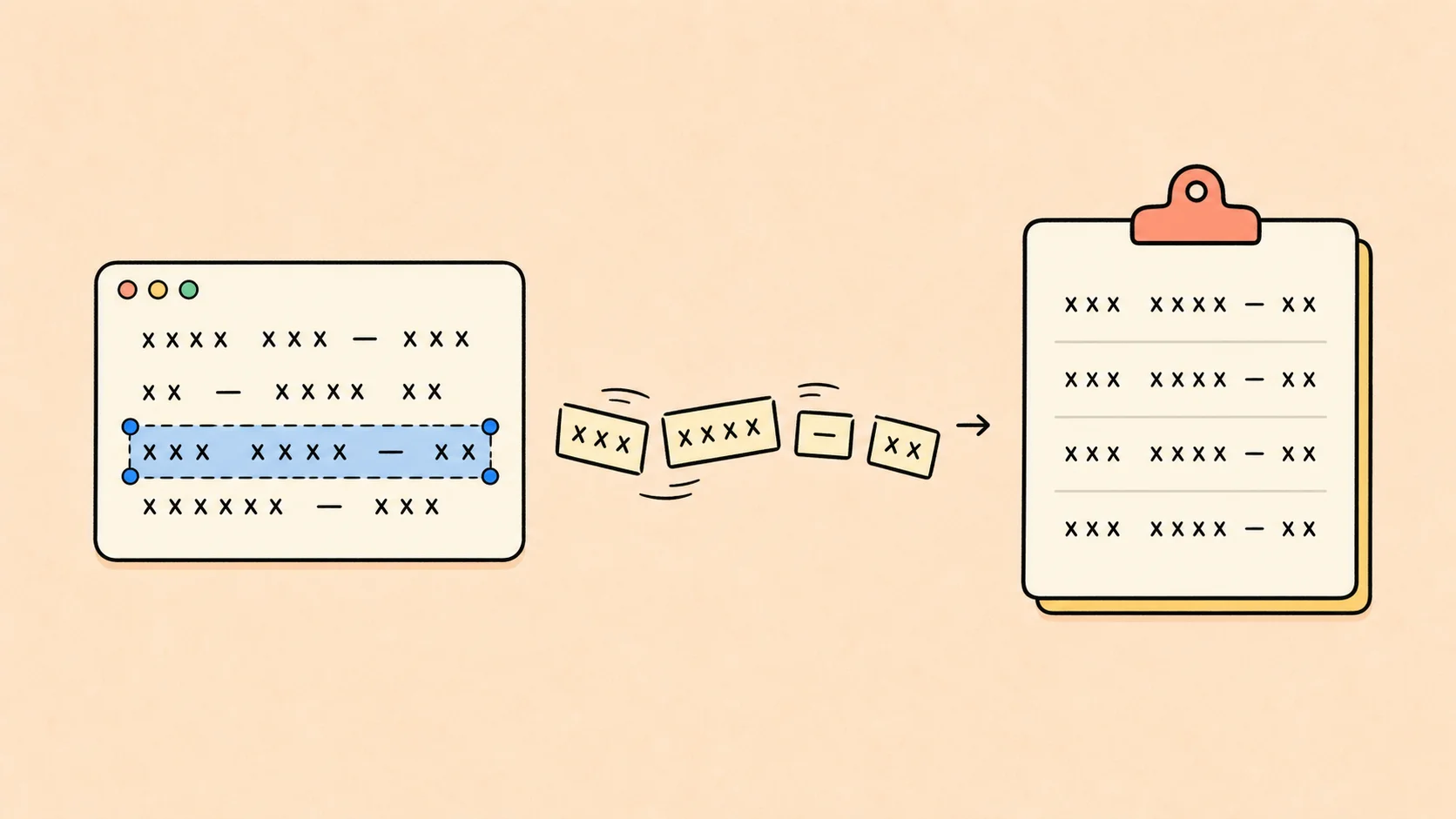
Copy text from a screenshot on desktop or mobile with built-in text selection, screenshot OCR, or an online image-to-text workflow—plus fixes for low-quality and complex screenshots.

Turn a photo, screenshot, or scanned PDF into an editable Word document with OCR, then clean up text, headings, and tables without losing the original meaning.

Learn how to export Keynote slides to JPG, PNG, HEIC, or other image formats on Mac, iPhone, and iPad, plus how to share full decks as pictures.
Learn how to use Keynote files on Windows, open .key presentations online, and decide when to convert a Keynote deck to PDF or PowerPoint.

Learn what a .key file is, how the Keynote file format works, and how to open, view, edit, convert, or translate Keynote presentations on Mac, Windows, and mobile devices.

Learn how to open a .key file on Mac, Windows, iCloud, or without Keynote, plus when to convert Keynote files to PDF or PowerPoint for easier sharing.
Looking for the best HTML to PPTX converter? Learn how to turn web pages and raw code into fully editable PowerPoint slides while preserving LaTeX, charts, and tables.
Learn how to use an online converter for .HTML to PPT to turn raw code or web pages into fully editable PowerPoint slides. Follow our detailed step-by-step guide.
Explore the technical differences between legacy PPT and modern PPTX formats. Learn the benefits of converting your presentations, common conversion pitfalls, and how to preserve layouts.

Learn how to make Google Slides play automatically and loop. This step-by-step tutorial covers publishing to the web, presentation options, and alternatives.
Compare AI tools for translating large PowerPoint files, including decks with 4K images, embedded video, charts, animations, and complex formatting.
Looking for a PowerPoint alternative? Explore the best options for professionals in 2026, from Keynote to advanced AI presentation workspaces like DeckFlow.

Master the 10/20/30 pitch deck rule by Guy Kawasaki. Read our slide-by-slide breakdown, font rules, and how to maintain brand consistency with Brand DNA.

Discover how many slides you need for a 30-minute presentation. Learn slide pacing formulas, variations by speech type, and how to structure your outline.
Learn how to set up Presenter View, display speaker notes on single or dual screens, and keep your presentation notes intact when translating slides.
Learn how to turn Google Docs into presentations. Contrast Google's native options with DeckFlow's advanced layout preservation and Brand DNA engine.

Tired of garbled text and #REF! errors in Excel translations? We test Google Translate’s \"fail moments\" with a spreadsheet and show how DeckFlow delivers accurate translations while perfectly protecting your formula logic and original layout.

Discover how AI improves PPT translation quality through context awareness and layout preservation. This article explores AI's advantages over traditional methods and recommends top AI translation tools, including DeckFlow, to help you achieve professional, one-click results with perfect formatting.