
The Best HTML to PPTX Converter: Convert Web Pages to Editable Slides
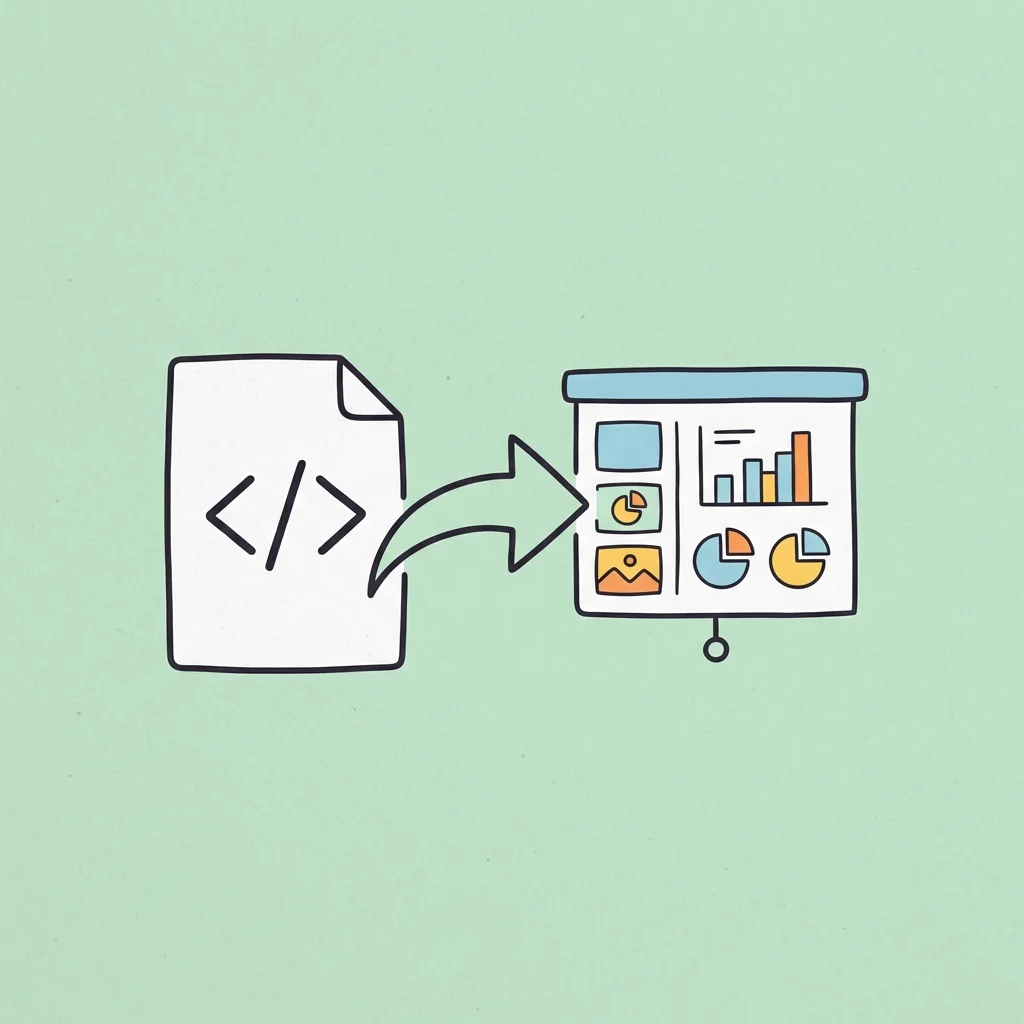
In modern business and academic workflows, valuable insights are increasingly shared via web-native formats. We read scientific research papers on online portals, analyze public datasets, and review design portfolios directly in our browsers. Furthermore, AI tools frequently output interactive UI layouts and data structures as HTML code.
However, when you need to present these web-based assets to a client or team, sharing a live browser tab is often impractical. You need a structured slideshow.
Unfortunately, most traditional methods of converting HTML to PowerPoint fail professional standards. They either take static screenshots that prevent you from editing the text, or they distort layouts, rendering complex elements like data tables and mathematical equations completely useless.
To maintain a professional presentation style, you need a high-fidelity html to pptx converter that preserves document structure and allows for full local editability.
In this guide, we will analyze why professional workflows require editable slide conversions, break down the structural failures of generic tools, and outline how advanced conversion engines handle complex web assets.
Why Professional Reporting Demands Fully Editable Slides
When presenting to clients or stakeholders, a slide deck is not a static document. It is a collaborative asset.
Before a meeting, you may need to update a data point in a table, translate a heading into another language, or adjust a layout margin to fit your company’s visual guidelines. If your conversion tool simply pastes flat images of a webpage onto slides, you lose all editing control:
- No Text Manipulation: You cannot correct spelling errors, change font styles, or modify headings.
- Data Lock-In: You cannot copy numbers out of web tables or adjust the styling of visual charts.
- Fixed Layouts: You cannot move shapes, icons, or divisions to improve readability on a projector screen.
For professional presentations, a successful conversion must rebuild the webpage elements as native, vector-based PowerPoint objects. Every text block, table cell, and vector shape must remain fully editable in your local editor.
The Structural Failures of Generic Web Converters
If you use standard online file converters or basic AI formatting scripts to convert HTML to PPTX, you will likely encounter several formatting errors:
1. Mathematical Equation Image Conversion
Online academic papers and technical documentations rely on LaTeX or MathML to display equations. Generic converters cannot parse these markup languages. They typically convert complex formulas into low-resolution, pixelated images. You cannot edit the mathematical variables, and the equations become blurry when projected on large screens.
2. Table Structure Collapse
Web tables are styled using CSS coordinates and nested divisions. Basic converters often strip these styles away, dumping raw text as disorganized paragraphs or misaligned blocks. The tabular structure disappears, making it impossible to perform data comparisons.
3. Icon and SVG Asset Loss
Modern web pages use scalable vector graphics (SVGs) and custom icon fonts to display UI elements. Standard converters often fail to download or map these vector assets, leaving empty squares or broken image icons ([?]) on your slides.
What Makes DeckFlow the Best HTML to PPTX Converter?
DeckFlow is a professional presentation workspace designed to preserve layout fidelity and element editability during document conversions.
Here is how DeckFlow’s conversion engine handles complex web elements:
- Native Office Math Conversion: DeckFlow parses MathML and LaTeX markup directly from the HTML source. Instead of generating flat images, it reconstructs equations as native PowerPoint math equations, allowing you to edit variables directly.
- Structured Table Reconstruction: The converter translates HTML table tags (
<table>,<tr>,<td>) into standard PowerPoint table grids. The borders, alignments, and background fills are preserved, keeping the dataset fully editable. - Vector Shape and Color Mapping: SVG assets and CSS shapes are mapped to native PowerPoint vector shapes. You can resize, recolor, and align individual icons without losing resolution.
- Logical Margins and Grid Layouts: Rather than stretching elements to fit the page, DeckFlow groups related divisions and applies proportional margins, keeping layouts clean and readable.
Classic Use Cases: Presenting AI-Generated HTML and Markdown Artifacts
With the rapid rise of AI coding assistants and AI agents (such as Claude Code, Cursor, and codex), professionals are using AI to generate structured and visual content. AI models frequently output .html files or .md (Markdown) documents as “artifacts” to display complex visuals:
- Data Analysis Dashboards: AI-generated HTML files containing interactive data tables, metrics, and statistics.
- Flowcharts & Process Maps: Visual process flows, system architectures, and logical flowcharts.
- Mind Maps & Learning Diagrams: Structured visual frameworks for training materials, concept maps, and educational diagrams.
However, displaying raw code or opening local HTML files in a browser during a client pitch or team meeting is unprofessional. Furthermore, team members who do not know code cannot edit the text or styles within these HTML files.
By uploading these AI-generated .html files or pasting the code directly into DeckFlow’s converter, you instantly turn them into structured, editable .pptx slides. This allows you to easily modify the text, adjust colors, and present the AI-generated logic as a standard PowerPoint deck.
How to Convert HTML to PPTX in One Click
Upgrading your web assets is simple:
- Navigate to DeckFlow’s HTML to PPTX Converter Page.
- Drag and drop your
.htmlfile into the upload zone, or copy and paste your raw HTML code directly into the input area. - Click Submit.
- Once processed, download your compressed ZIP archive. Extract the folder to access your clean, editable
.pptxpresentation.
Stop wasting time on manual slide formatting. Upgrade your digital documents and present with confidence.
Related Guides
For a broader overview of the workflow, read How to Convert HTML to PPT Online. If you want a concise, task-focused walkthrough, see How to Use an Online Converter for .HTML to PPT.