
PPT vs. PPTX: Why You Should Convert Legacy PPT Files to PPTX
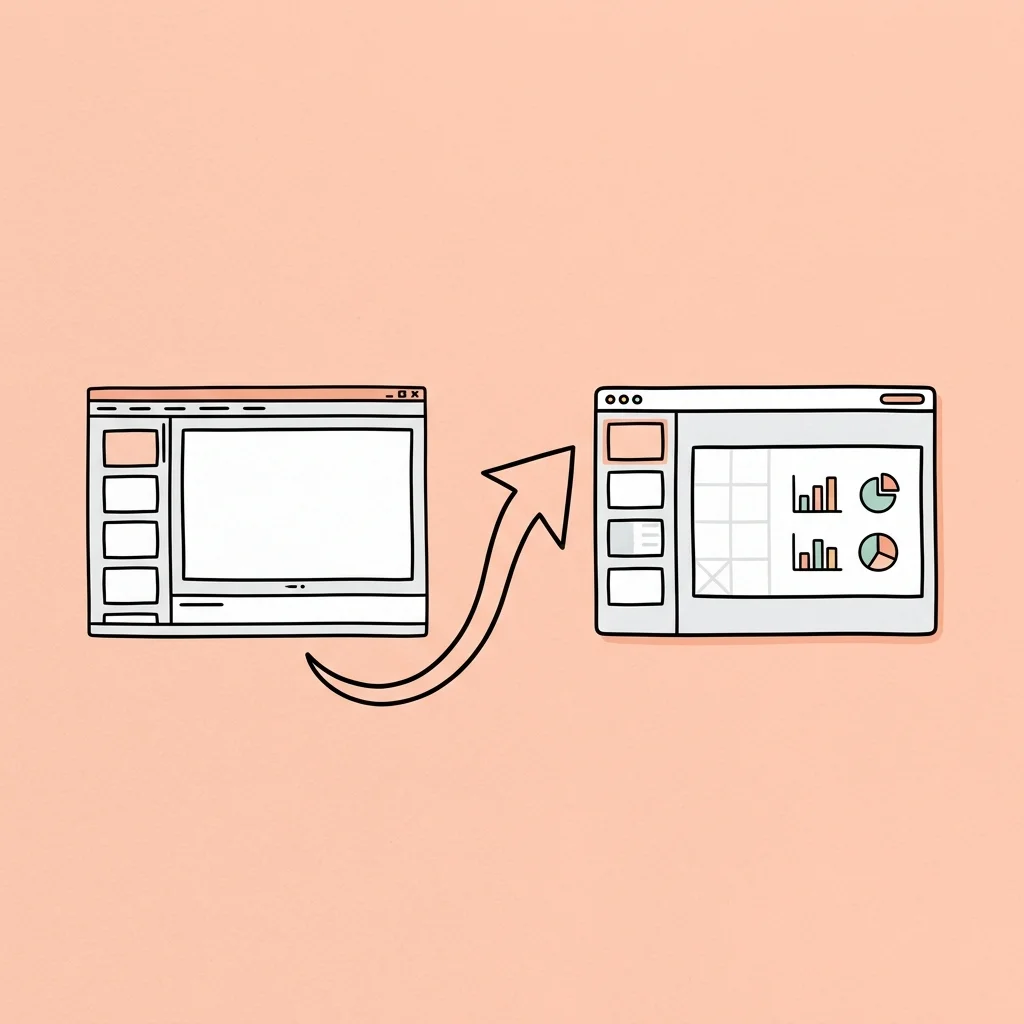
In the corporate, academic, and consulting worlds, presentations are valuable intellectual assets. Organizations often maintain archives of slide decks containing years of strategic plans, research findings, and client proposals.
However, if you inspect your archives, you will likely find a mix of two file extensions: .ppt and .pptx.
While they look similar in your file explorer, these two extensions represent entirely different technologies. The older .ppt format is a legacy binary structure that is rapidly becoming obsolete. Relying on it for active work is a liability.
If you are still distributing files in the old format, or storing valuable presentations as legacy files, you need to understand why converting ppt to pptx is crucial for security, performance, and formatting consistency.
In this technical guide, we will break down the underlying architecture differences between these formats, detail the concrete benefits of upgrading your archive, outline the common formatting disasters that happen during conversion, and show you how to execute a high-fidelity transition.
Part 1: OLE Binary vs. XML Zip: The Underlying Architecture
To understand why these formats behave differently, we must look at how they store data on your hard drive.
What is PPT? (Legacy Binary Format)
Introduced in the 1990s and used as the default format until Microsoft Office 2007, .ppt is a proprietary binary format based on OLE (Object Linking and Embedding) Structured Storage.
Instead of organizing data logically, a .ppt file is a single, dense binary stream. The text, formatting instructions, image data, and layout paths are woven together in a complicated structure. To read or write to this file, an application must understand Microsoft’s closed-source binary specification.
What is PPTX? (Modern Office Open XML Format)
Introduced with Office 2007, .pptx is based on the Office Open XML (OOXML) standard, which is an open, XML-based file format.
A .pptx file is not actually a flat document; it is a zipped archive. If you rename a .pptx file to .zip and extract it, you will see a structured directory containing:
- XML documents defining slide layouts, text content, formatting styles, and document properties.
- A
mediafolder containing raw image files (PNG, JPEG, SVG) and embedded video clips. - Relationship files (
.rels) mapping how the different parts connect.
Here is a side-by-side technical comparison:
| Technical Dimension | Legacy PPT Format | Modern PPTX Format |
|---|---|---|
| File Structure | Proprietary OLE Binary Stream | Zipped Office Open XML (OOXML) Directory |
| Open Standard | No (Closed specification) | Yes (ISO/IEC 29500 international standard) |
| Storage Method | Interleaved binary blocks | Separated XML markup and raw media assets |
| Typical File Size | Large (No native compression) | Small (Native ZIP compression applied) |
| Corruption Risk | High (Single-bit errors ruin the file) | Low (Individual XML parts can be repaired) |
| Macro Security | Vulnerable (Macros run inside binary blobs) | Secure (Macros require .pptm format) |
| Modern Animation Support | No (Fails on Morph, Zoom transitions) | Yes (Supports all modern vector and transition tools) |
Part 2: Four Key Benefits of Converting PPT to PPTX
Upgrading your files from .ppt to .pptx provides concrete operational improvements:
1. Significant File Size Reduction
Because .pptx files are compressed using ZIP compression, they are typically 50% to 75% smaller than their .ppt equivalents. This reduction is dramatic for presentations containing high-resolution graphics, screenshots, or embedded audio. Smaller file sizes mean faster email attachments, quicker cloud uploads, and reduced storage costs.
3. Robust Data Integrity and Corruption Recovery
Because .ppt is a single binary stream, a small amount of file corruption (e.g., from a network interruption during download) can make the entire file unreadable.
With .pptx, because the slides, images, and relationships are stored as separate files inside the ZIP container, the risk is minimized. If an image file in the media folder gets corrupted, the rest of the presentation will still open normally. If a specific slide’s XML is damaged, you can extract the archive, repair the individual XML file, and reconstruct the deck.
3. Enhanced Security Against Malware
Legacy .ppt files can store VBA macros directly inside their binary structure without warning the user. This made them a frequent vector for macro-based malware.
The OOXML standard enforces a strict separation: standard .pptx files cannot contain macros. If a presentation requires automation scripts, it must be saved with the .pptm extension. This distinction allows enterprise firewalls and antivirus software to flag macro-enabled files instantly, protecting your system.
4. Support for Modern Presentation Features
Microsoft PowerPoint and other modern editors have stopped adding new features to the legacy .ppt format. If you keep your presentations in the old format, you cannot use:
- Morph Transitions: Smooth vector object morphing across slides.
- SVG Vector Assets: High-resolution graphics that scale without pixelation.
- Embedded Web Media: Direct streaming videos from YouTube or Vimeo.
- Native 3D Models: Interactive 3D graphics.
Part 3: The Formatting Disasters of Basic PPT-to-PPTX Converters
Knowing the benefits of .pptx, many organizations attempt to batch-convert their archives. However, converting binary streams into structured XML is technically complex.
If you use basic online file converters, or simply open old .ppt files and click “Save As PPTX” in modern editors, you will often encounter several formatting errors:
A. Font Fallback and Container Shifting
Binary presentations often refer to legacy local system fonts. When converted to XML, if those fonts are not perfectly mapped, the presentation engine falls back to standard fonts (like Arial or Calibri). Because different fonts have different character widths, this causes text to overflow their containers, misaligning headers and wrapping single lines into messy blocks.
B. Mathematical Equation Corruption
If your legacy .ppt files contain technical equations created with old math editors, a basic converter will fail to parse them. They often convert equations into low-resolution, pixelated images that cannot be edited, or worse, replace mathematical symbols with unreadable question marks (?).
C. Table and Shape Warp
Legacy charts, custom grouped shapes, and nested data tables frequently break during conversion. Grouped vectors can split, table borders may vanish, and custom callout shapes often lose their alignment handles, resulting in overlapping visual elements.
D. Legacy Gradient and Alpha Channel Loss
Older versions of PowerPoint used binary color maps that do not translate perfectly to modern RGB/HSL coordinates. Standard conversions often turn subtle gradients into flat, harsh color blocks and remove transparency (alpha channels) from images, creating black backgrounds behind transparent logos.
Part 4: How to Convert PPT to PPTX Online for Free
If you have legacy files in your archives, you don’t need to purchase complex enterprise software to upgrade them.
You can use DeckFlow’s Free Online PPT to PPTX Converter.
It is a dedicated, browser-based conversion utility designed to migrate your legacy documents to the modern OOXML standard in seconds:
- 100% Free and Browser-Based: No software installation required. You can upgrade your files instantly from any device.
- Secure and Private File Handling: To protect your data, uploaded presentations are processed securely and deleted automatically from our servers after conversion.
- Fully Editable Slides: The converter outputs clean, standard
.pptxfiles that open seamlessly in Microsoft PowerPoint, Google Slides, and Keynote, keeping your text and assets editable. - Gateway to Advanced Features: Once converted, you can import your upgraded
.pptxfiles into the main DeckFlow workspace to access advanced capabilities like multi-language presentation translation.
How to Convert PPT to PPTX Online with DeckFlow
Upgrading your legacy presentation archive is straightforward:
- Go to the DeckFlow PPT to PPTX Converter Page.
- Drag and drop your old
.pptfile into the upload area. - Click Convert.
- Download the newly generated, clean
.pptxfile.
Once converted, your presentation is ready for modern editing and secure sharing. Upgrade your files with DeckFlow today to ensure your work remains accessible and secure.